
Creating your first Medikka app only takes a few seconds.
Step 1: Select the Apps tab in the left-hand menu.
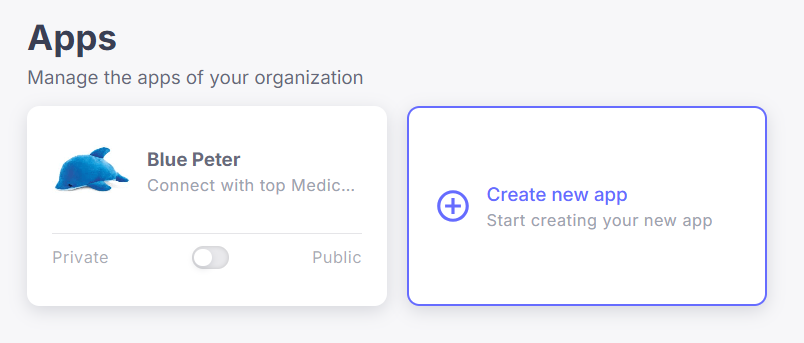
Step 2: Click Create New App.
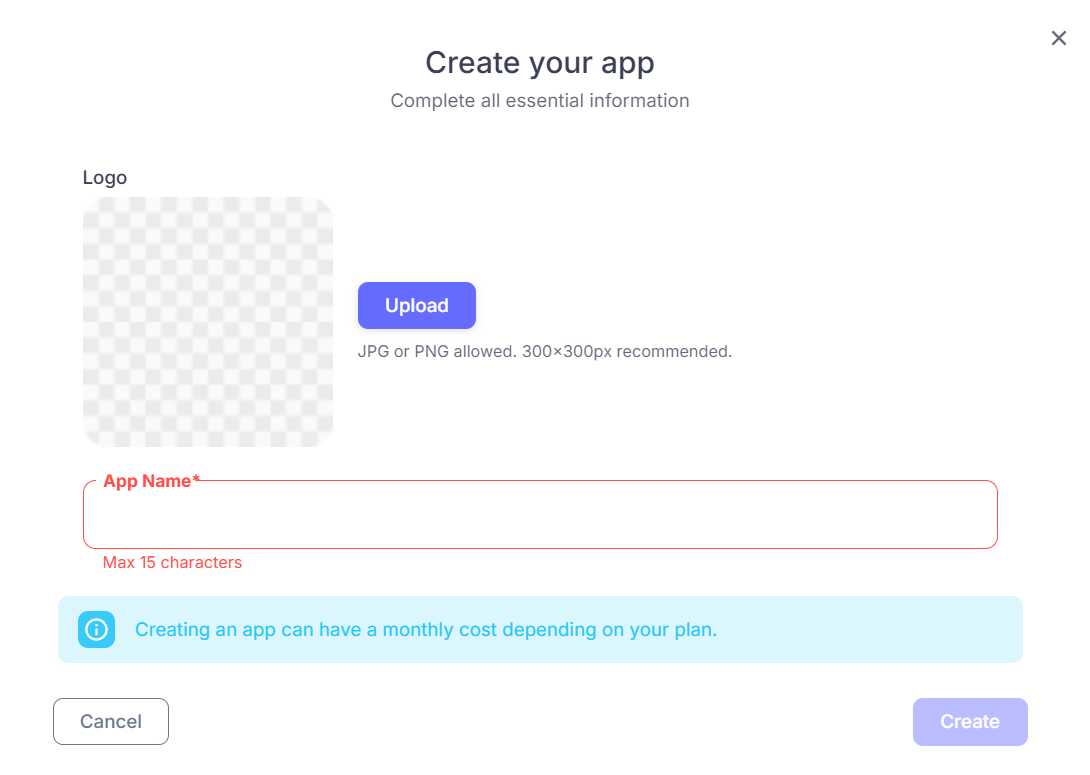
Step 3: Enter your App Name and upload your App Logo.
CONGRATS YOU BUILT YOUR FIRST APP
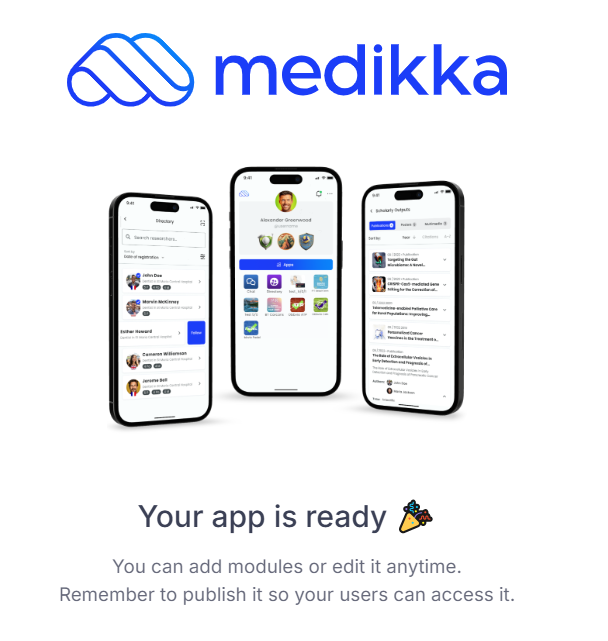
Next Steps
From here, you can start building your community by:
- Adding and configuring modules
- Customizing the design and branding
- Inviting users to join your app
- Elevating the value of your app with partners & sponsors
The App Builder is designed to be intuitive, but you can explore the other tutorials to learn how to configure each module and fully customize your app.