
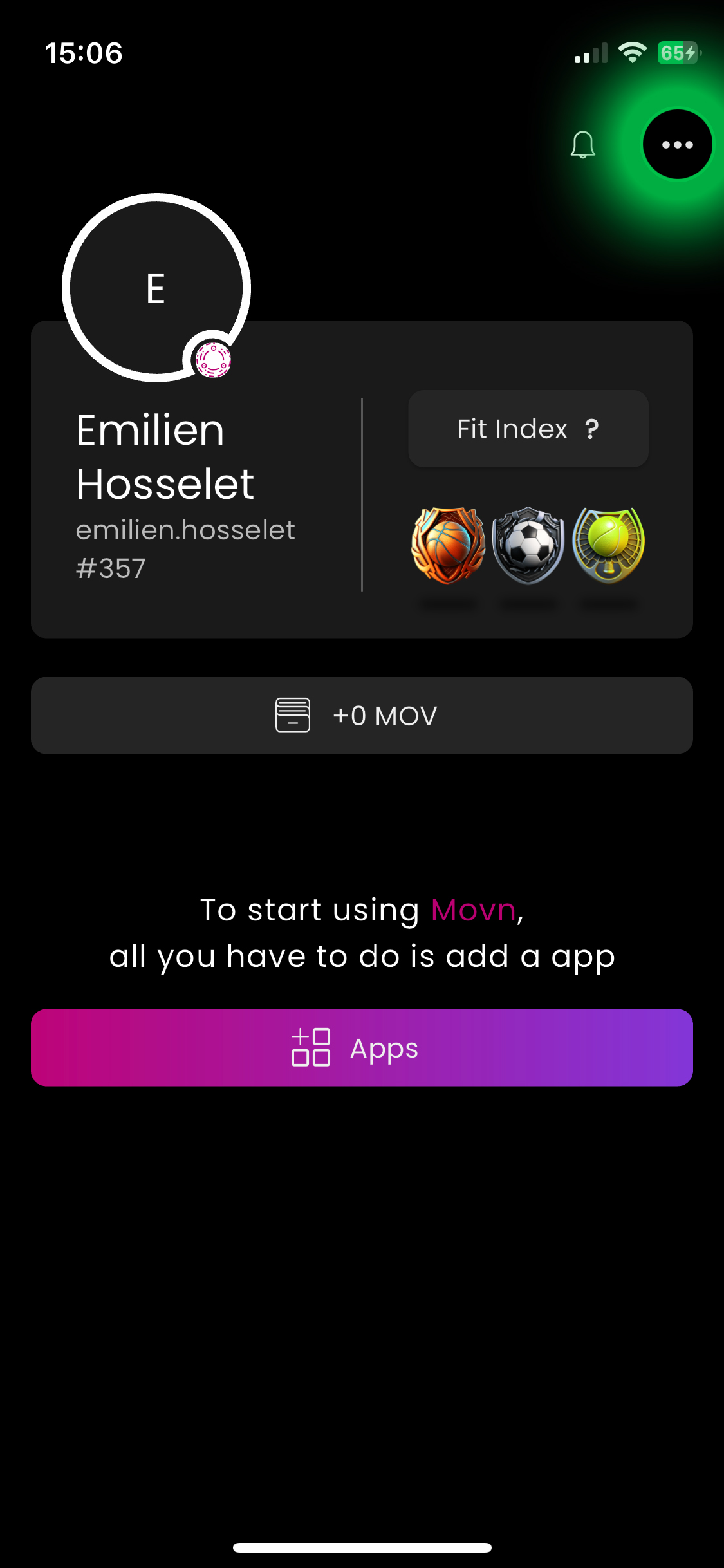
1/ On the main screen, Tap the three small dots in the upper right corner.
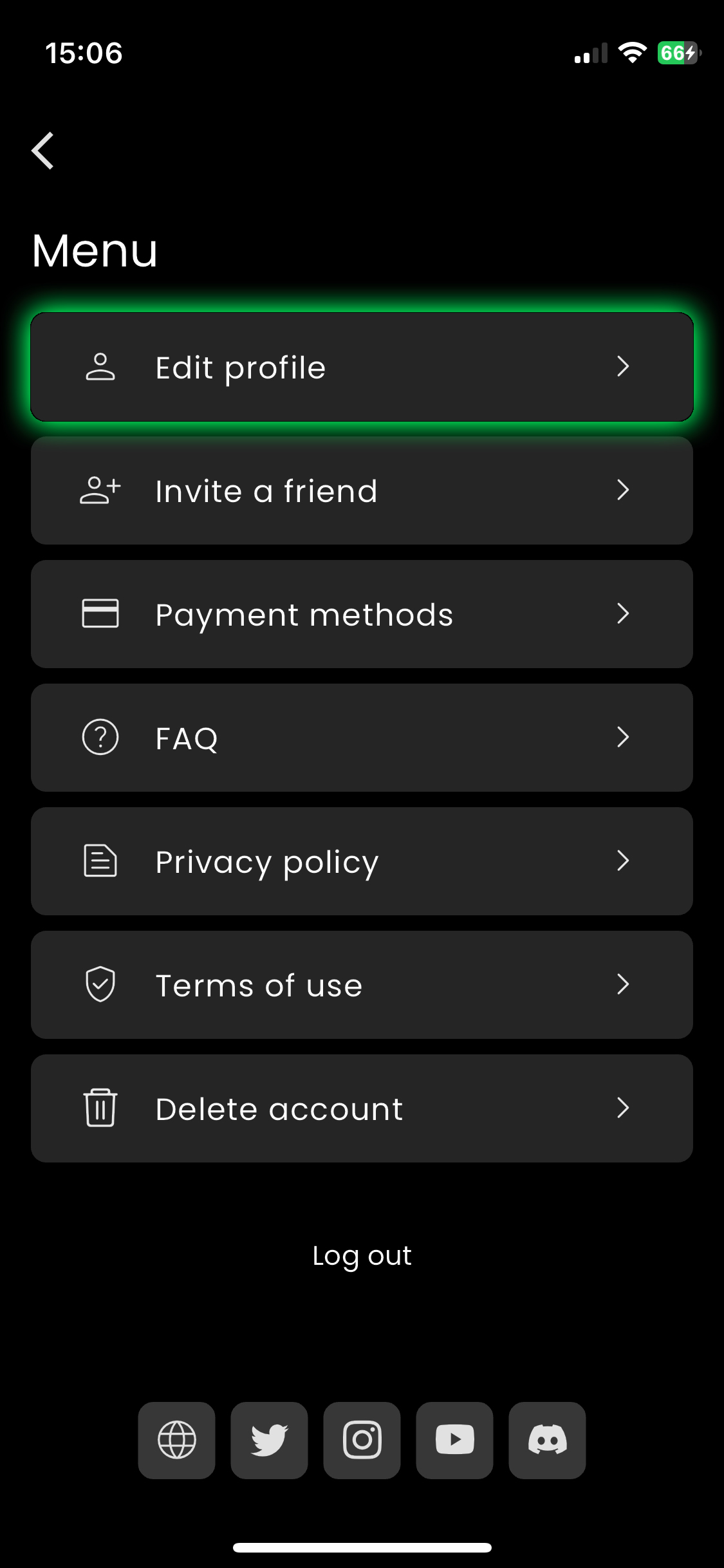
2/ Access the Main Menu and tap on "Edit Profile".
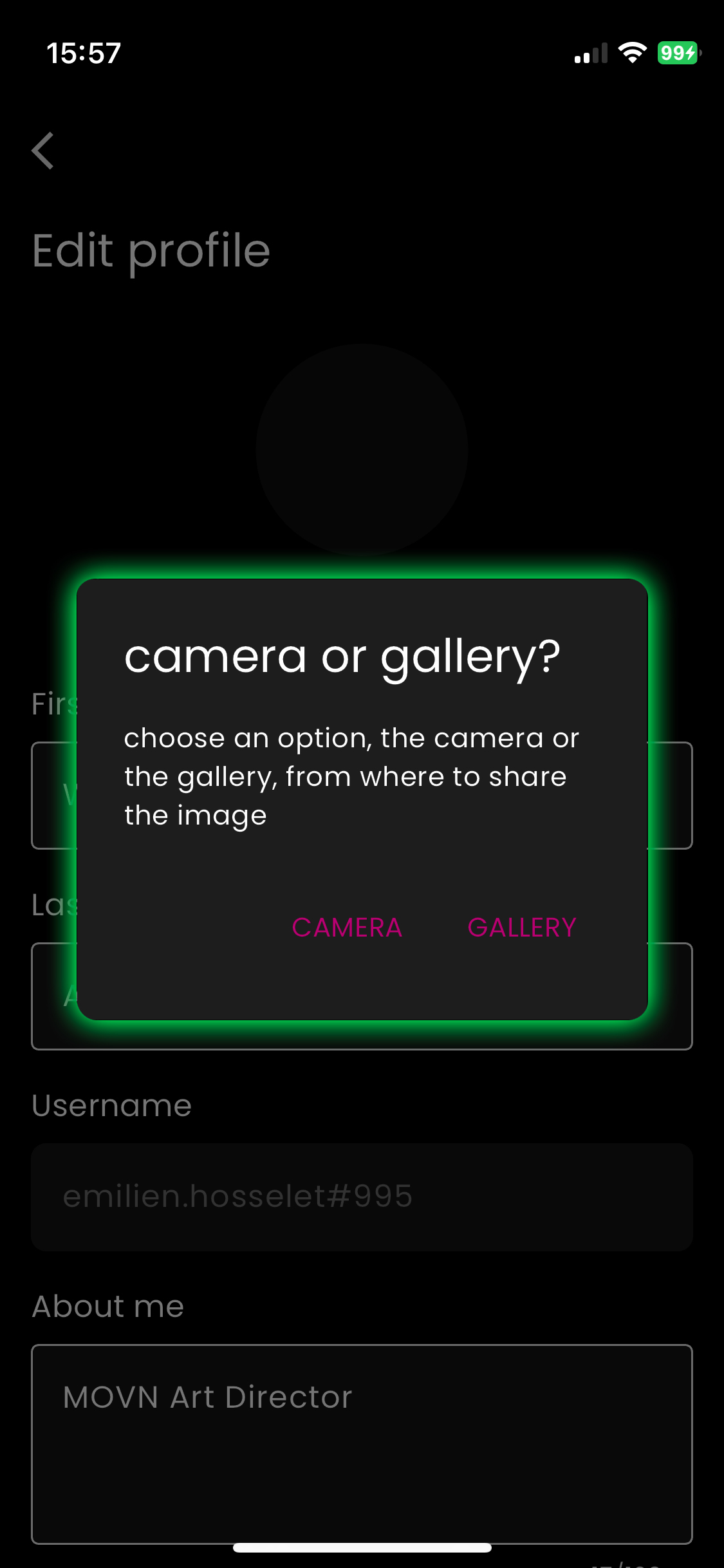
3/ Then, tap on "Change Photo" and choose Camera or Gallery.
- Camera: Opens your phone's camera.
- Gallery: Opens your photo library.
4/ Once you've selected your profile picture, you have various options:
- Rotate the photo
- Crop the photo
- Cancel your changes.
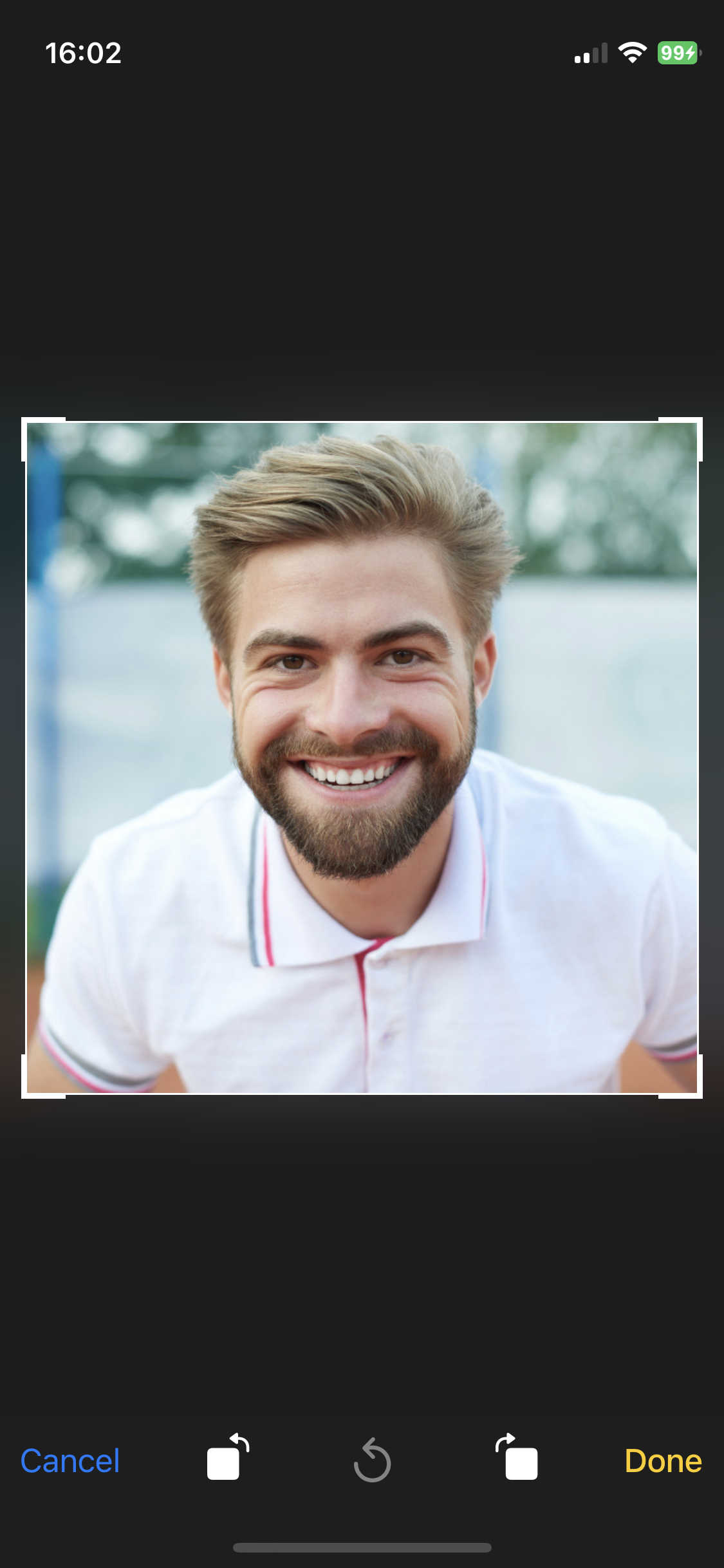
5/ Press "Done" to confirm and import your new profile picture, or "Cancel" to cancel the operation.
6/ Scroll down to the bottom of the screen & Tap "Save Changes"
That's it! 😎