
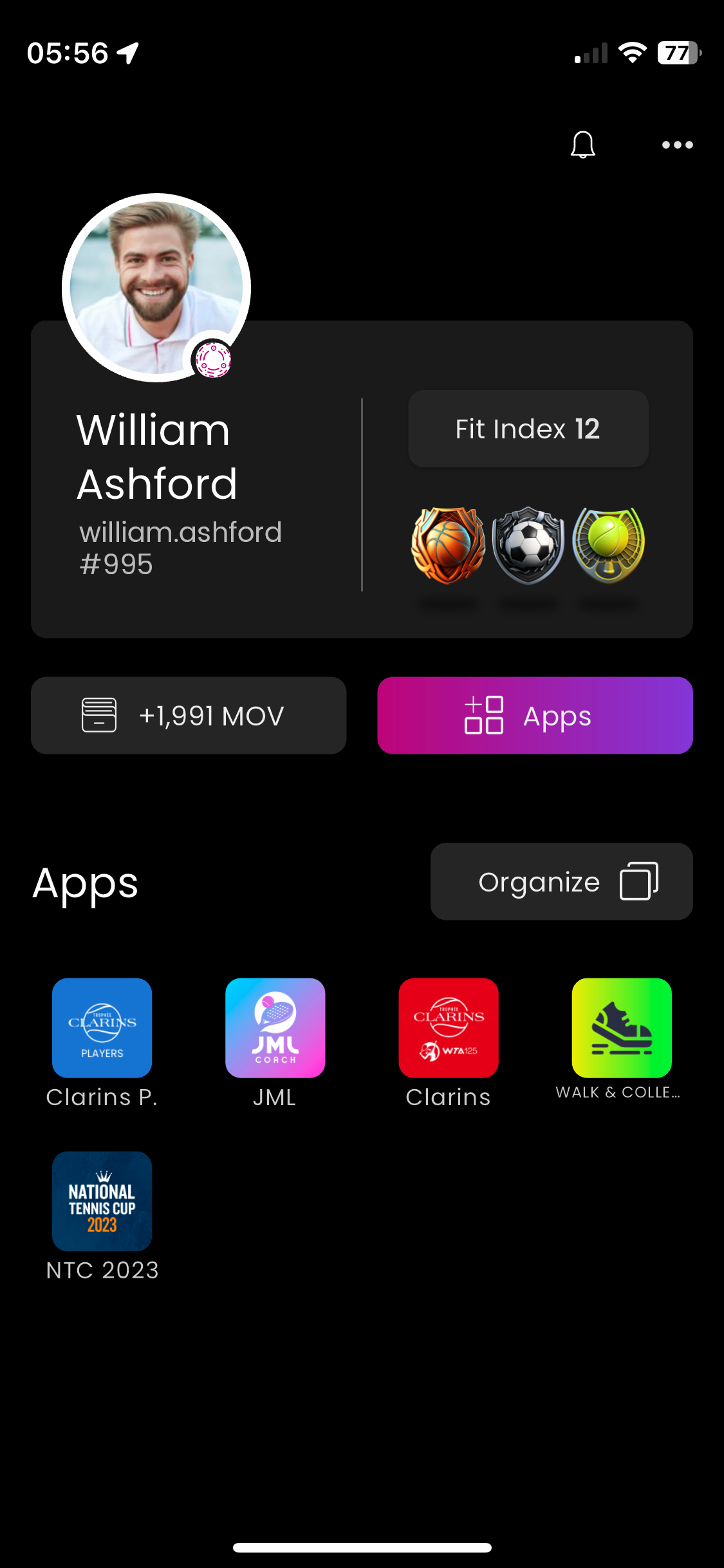
1/ On the home screen, Tap the "Apps" button to Access the Store.
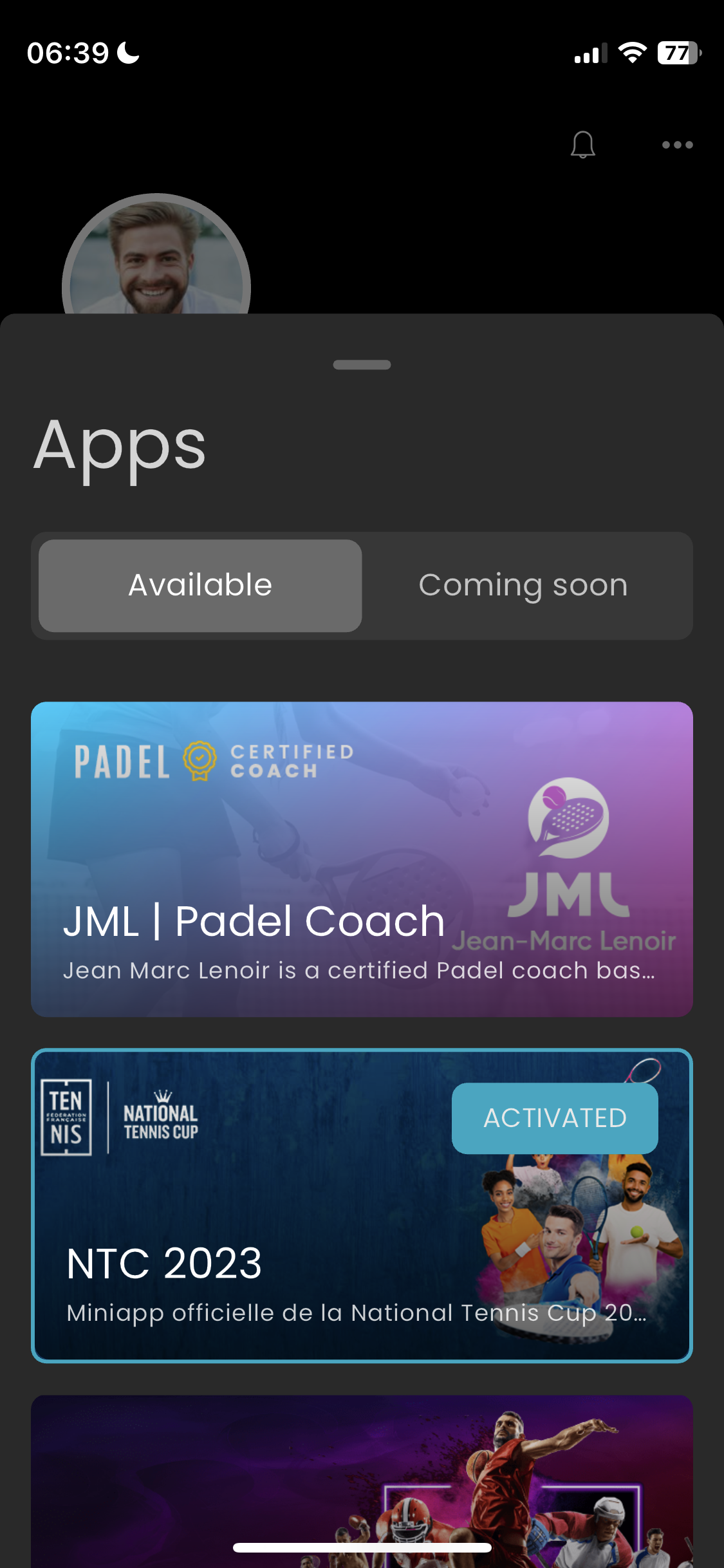
2/ Select the App of your choice & Tap on it to view its details and features.
3/ Scroll left at the icon to Choose the style on your home screen (as an icon or widget).
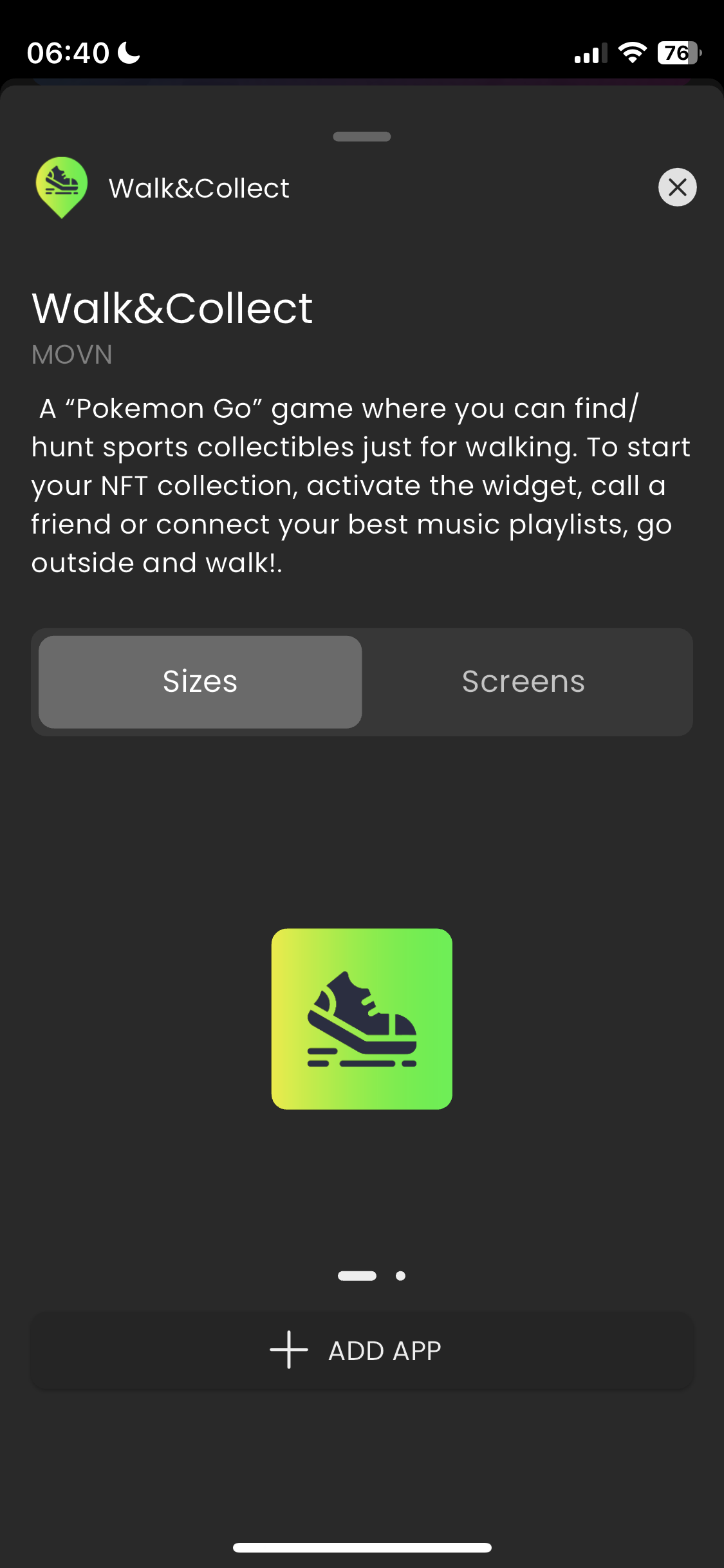
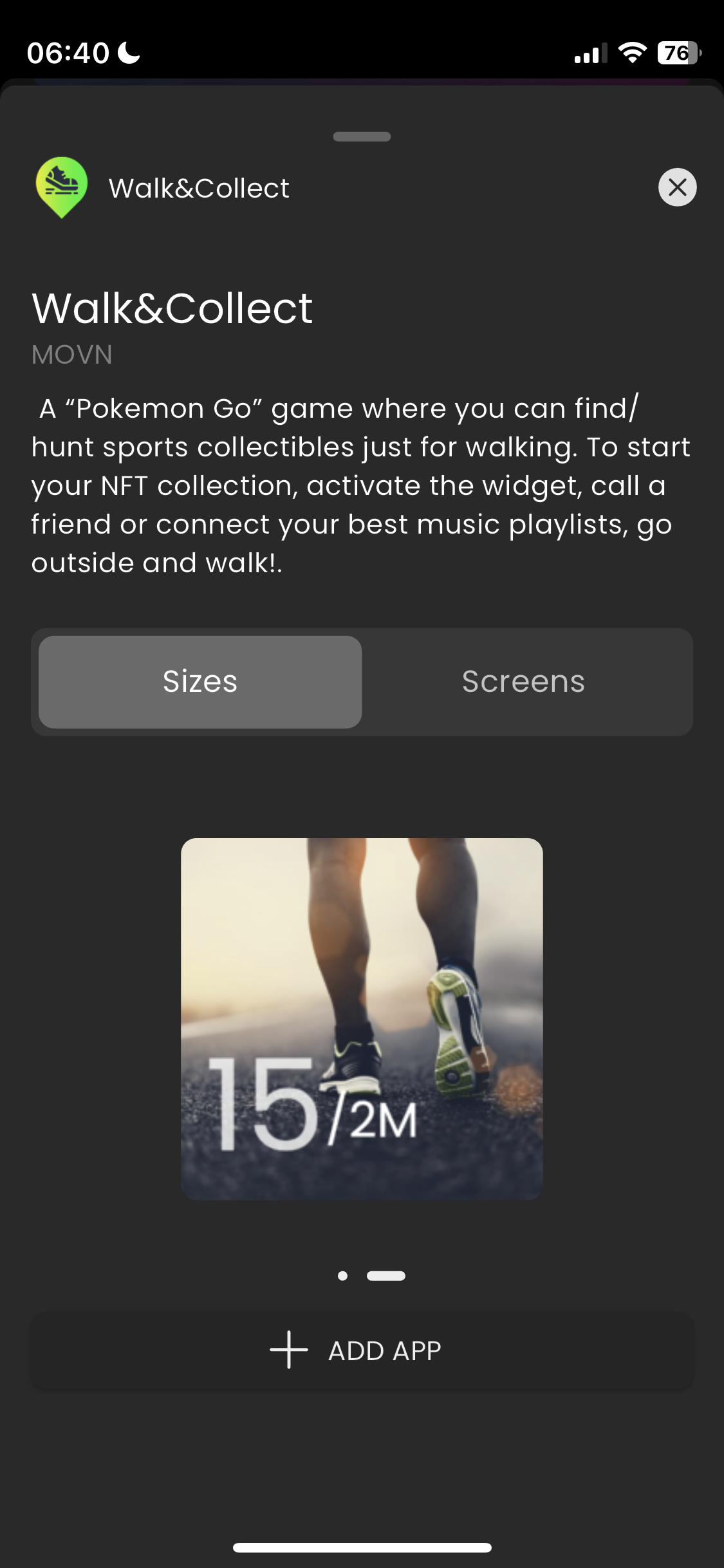
4/ Tap "Add App". The new app is now available on your home screen.