
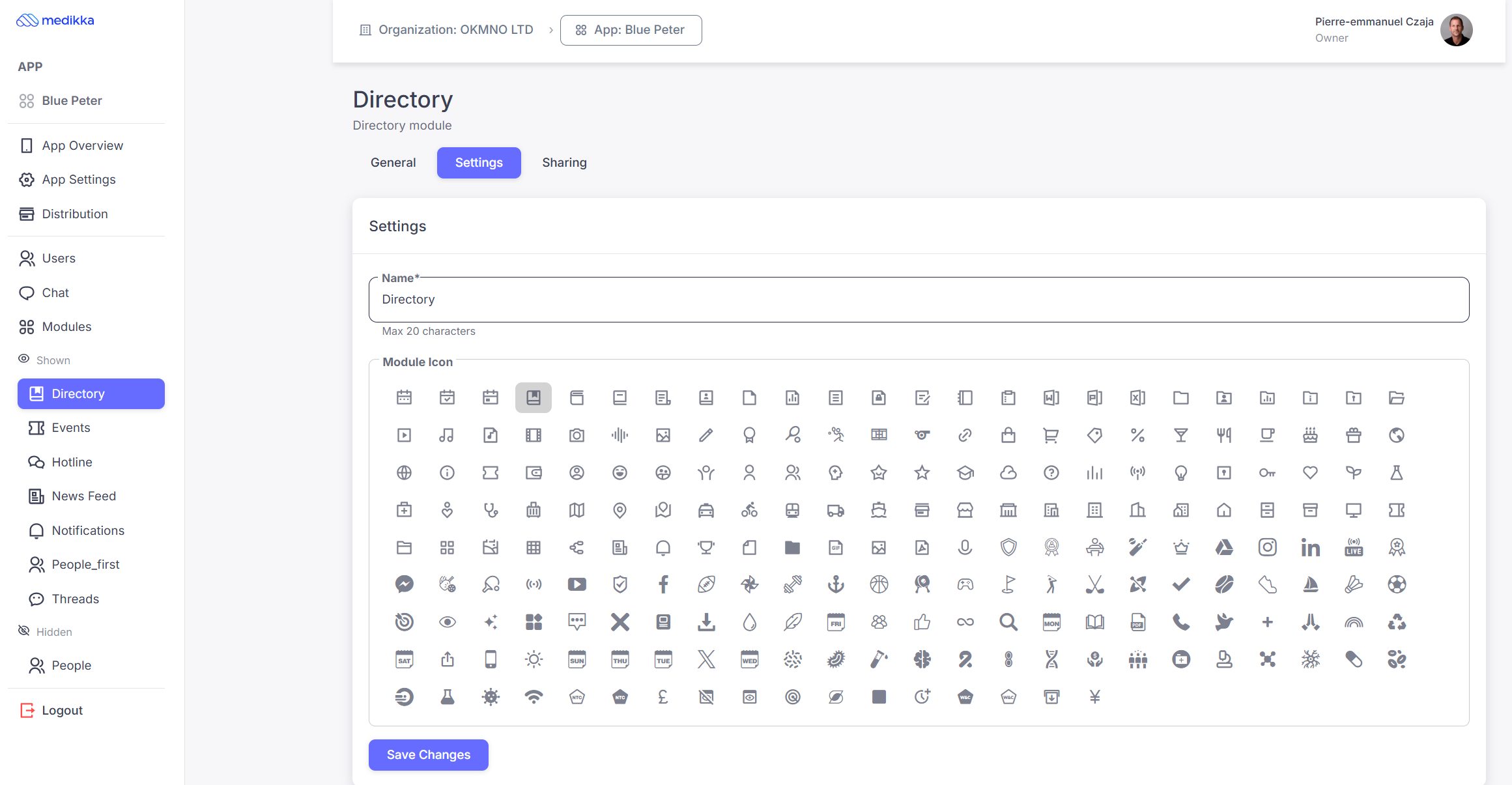
- Go to the Module/Tab in the left menu. In the following example we will use the "Directory" tab
- Click on the Settings section.
- To customize the name of the module (by default it is Directory in this example) write the new name in the "Module name" input box.
- Customize the icon. Choose the icon that suits you best from the following icon library.
Note. Certain modules like "News Feed" and "Events" cannot have a customized logo and name.