
The Knowledge Base is the central information hub of your app.
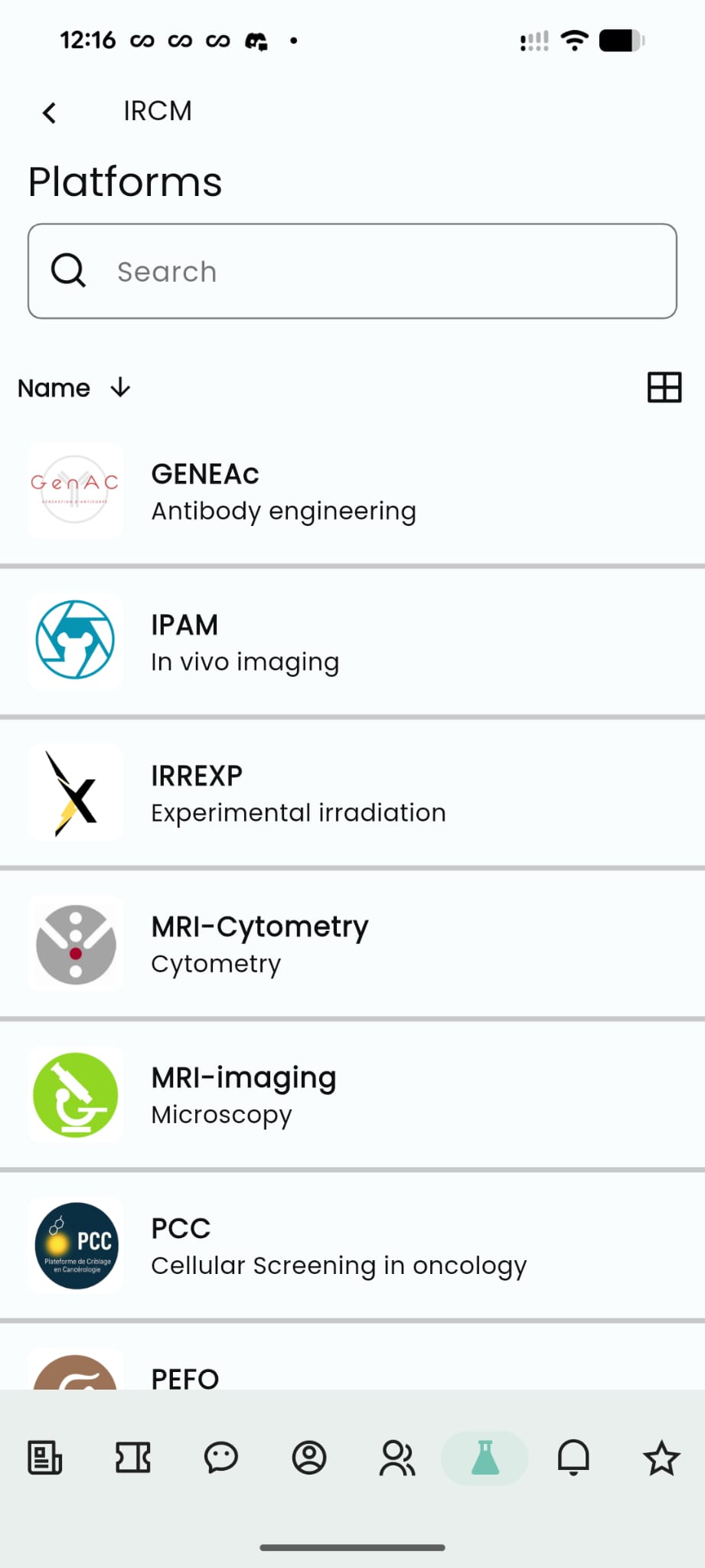
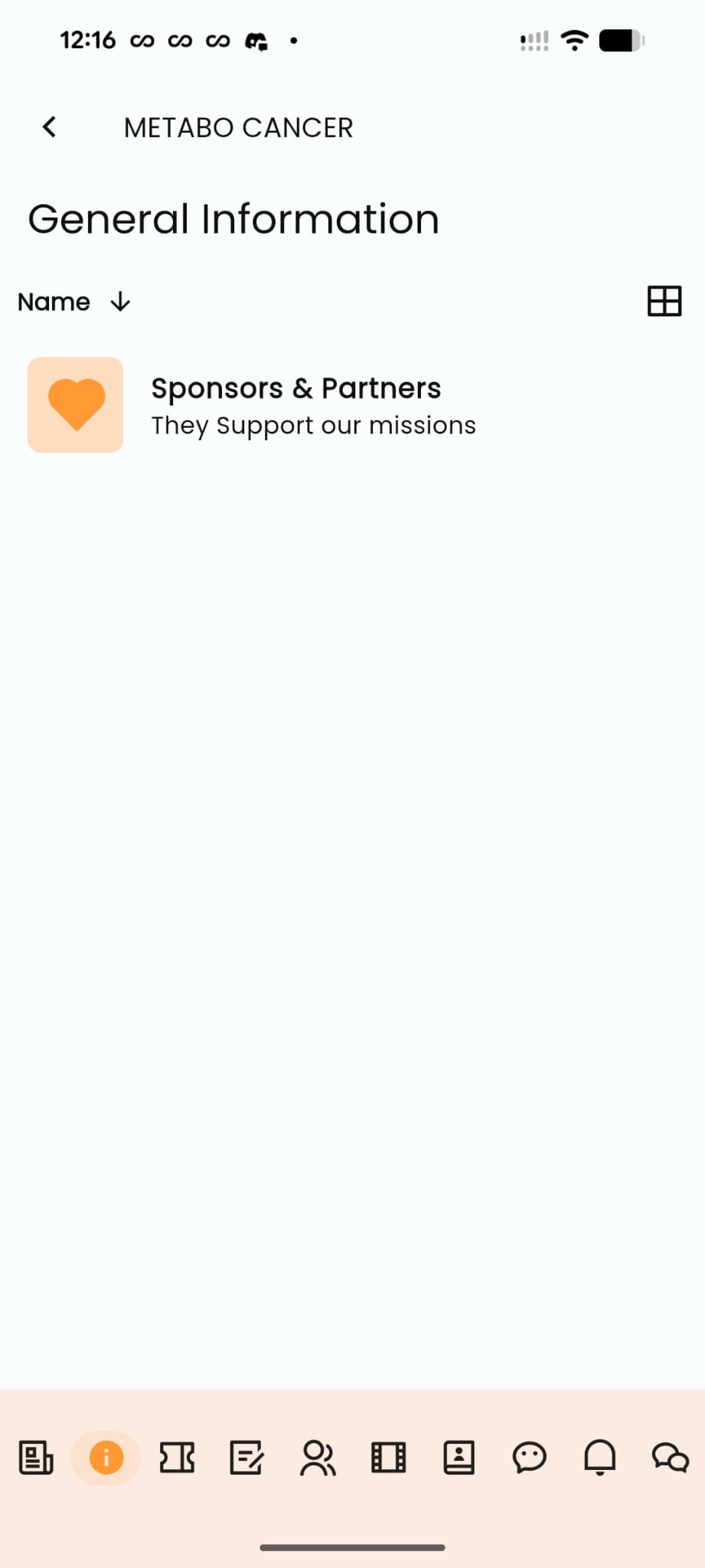
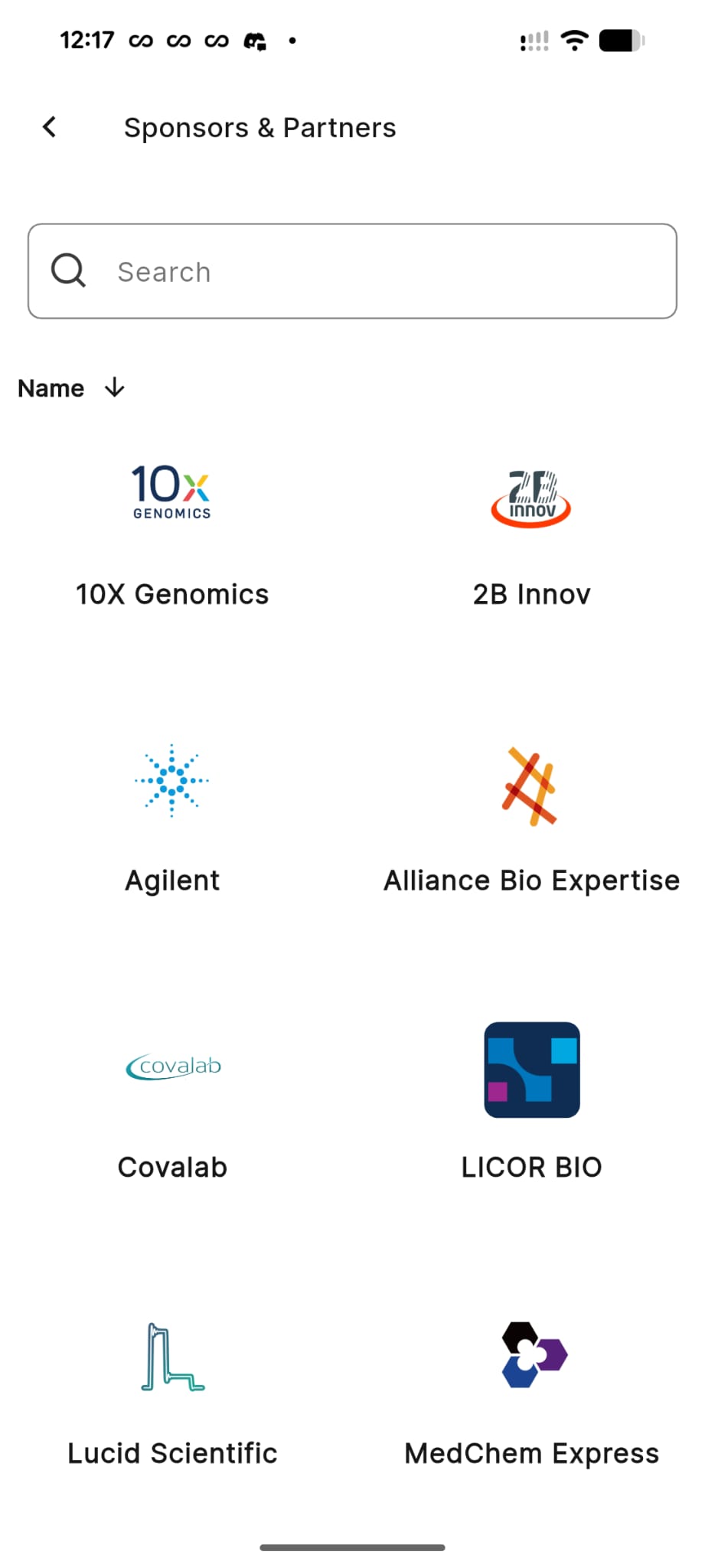
It acts as a versatile content engine where your organization can centralize documents, resources, tools, and structured information in one mobile-friendly space.
Whether you need a document repository, a gateway to external platforms, or a mobile learning center, the Knowledge Base adapts to your needs.
Content is organized using Smart Buttons.
For each button, you define a Title and Subtitle, giving you full control over how users navigate your content.
Each button can trigger one of four actions:
🔗 Links — Connect External Tools
Use the Knowledge Base as a gateway to external platforms without cluttering the user experience.
Use cases
- Link to a research platform
- Open a partner institution website
- Access external databases or collaborative tools
- Launch another app or service
📄 Enriched Text — Native Content
Create fast, beautifully formatted pages directly inside the app.
Use cases
- Research guidelines
- Institutional information
- Community announcements
- Educational content
⬇️ Downloads — Share Resources
Provide files that users can download directly to their device.
Use cases
- Protocol documents
- Research papers
- PDFs and reports
- Official templates
📂 Folders — Structure Information
Create folders and subfolders to organize large amounts of information.
Use cases
- Organize documentation by department
- Create topic-based knowledge repositories
- Structure training material
Common Uses
Because of its flexibility, organizations typically use the Knowledge Base in three main ways:
Operational Hub : Centralize important documentation such as policies, protocols, and guidelines.
Digital Connector : Provide quick access to the various platforms used by your community.
Learning & Training Center : Structure folders as courses and pages as lessons to deliver educational content to members.
Click HERE to learn how to configure the Knowledge Base module.